What is User Management Feature and where to find it?
The User Management allows the reseller to create Sub-Users and assign role-based permissions to their team members. Each role can have specific features enabled or disabled to control what the user can access or perform in the dashboard.
To find the User Management feature follow the below steps.
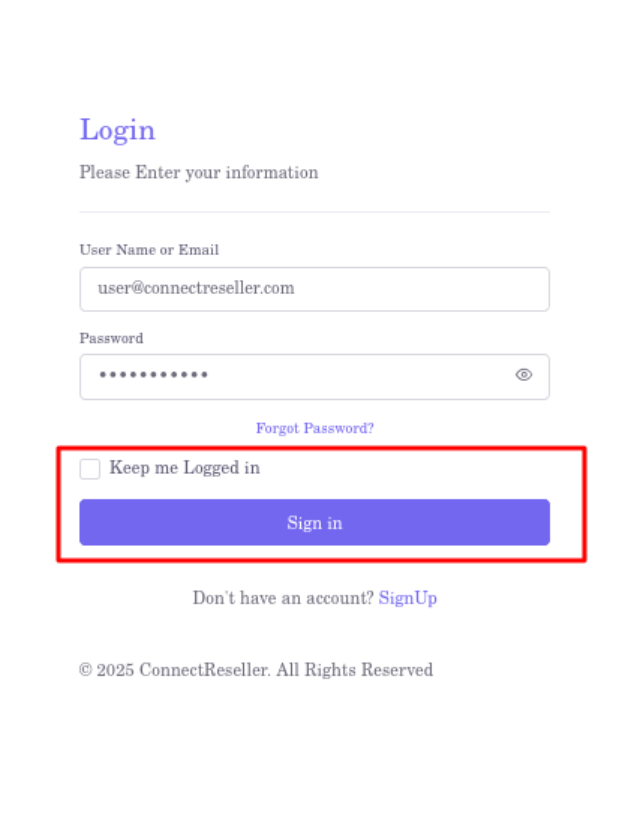
1. Log in to your reseller account.
2. From the left-hand menu, click Tools.
3. Scroll to the bottom of the Tools list.
4. Click User Management (the last item under Tools).
Related Articles
1. What is the User Management feature?
The User Management allows the reseller to create Sub-Users and assign role-based permissions to their team members. Each role can have specific features enabled or disabled to control what the user can access or perform in the dashboard.
What is the "All Registrar" feature?
Introducing the powerful new "All Registrar" featureāa game-changing addition designed to streamline domain management for resellers. This centralized platform enables resellers to effortlessly manage domains across multiple registrars, offering ...
What is the "All Registrar" feature?
The "All Registrar" feature allows you to manage all your domains from different registrars in one centralized location, streamlining your management process and saving time.
What domain management actions can a Sub-User perform?
This depends on the enabled domain permissions: Bulk Action Domain Filter Export Domain List View Domain Details Renew Domain Modify Domain Details Admins can choose to allow or restrict any of these actions.
How to place an SSL order?
1. Log in to your reseller account. 2. Navigate to the left-hand side of the page and locate the SSL Certificate Menu. 3. Click on Place SSL order. 4. Enter the Domain Name & Customer ID in order to search for the domain where the SSL certificate ...